Collaboration FAQs
Invitee is not able to accept the invite?
Kindly ensure the following:
- The invited user is logged into their account on their device. This is an oversight on us and we are working to better educate our users that they are currently not logged in.
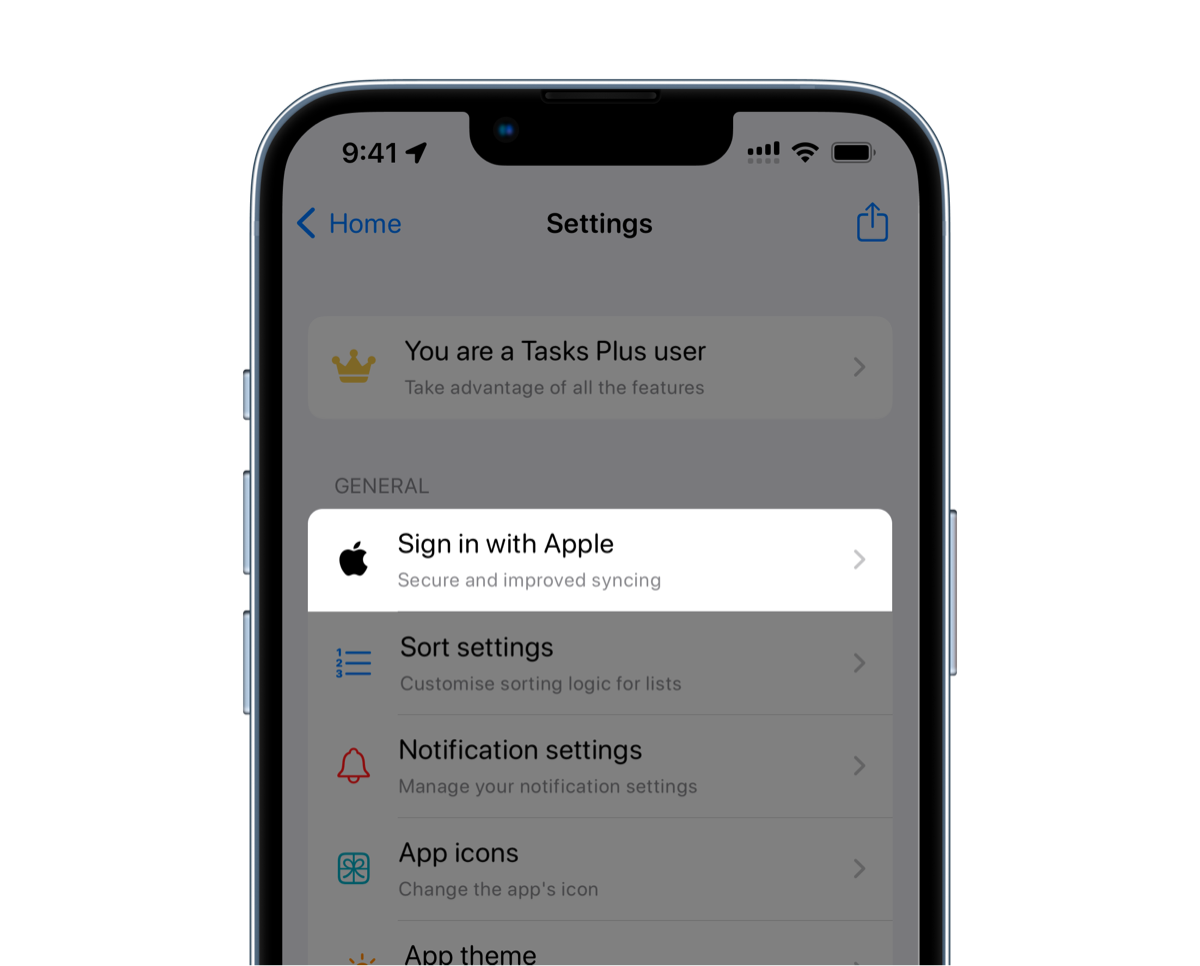
- The email you've sent the invite to matches the email that is visible in the app for the user. When you Sign in with Apple, they get the option to choose to hide their email. So the email you're inviting them on and the email they are logged into with are different.
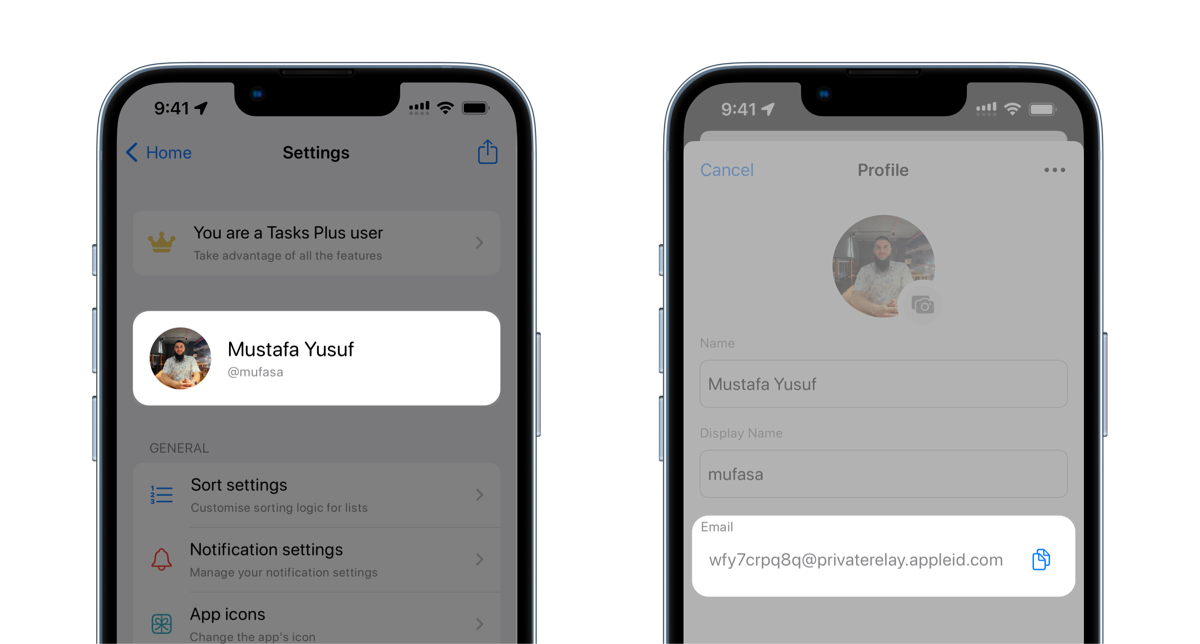
If the issue still persists, kindly try creating a public invite and share the link with them personally which should work as opposed to inviting the user via their email address.
If you're facing further issues, please feel free to write to us. You'll find our details within the app's settings page.
Thank you for your patience and hope to get rid of these issues very soon!